GIMP Tutorial - Abstract Background using Solid Noise
Step 1: Black Canvas
Create a new document in GIMP with a plain white background.

Step 2: Solid Noise filter
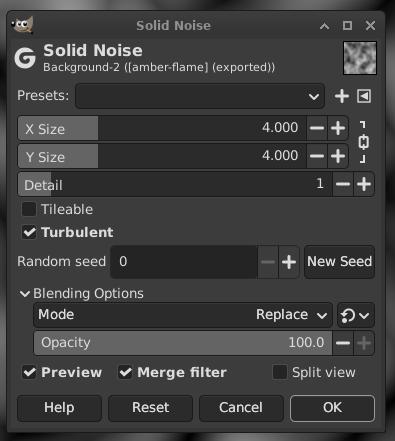
Apply the Solid Noise filter using the menu, Filter -> Render -> Noise -> Solid Noise
Make sure to turn on the Turbulent setting.
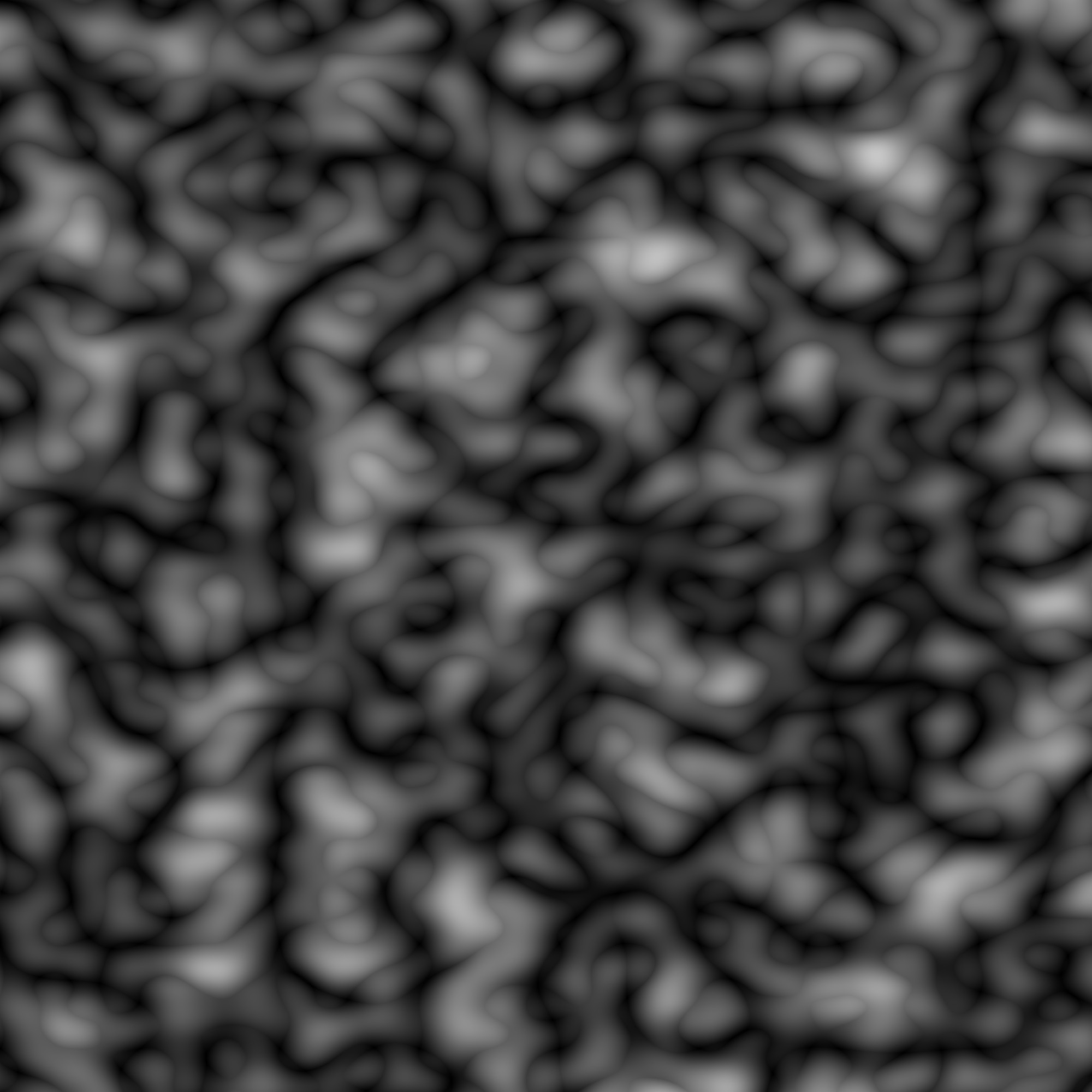
After applying the filter, your design should look something like this:
Step 3: Apply a Palette Map
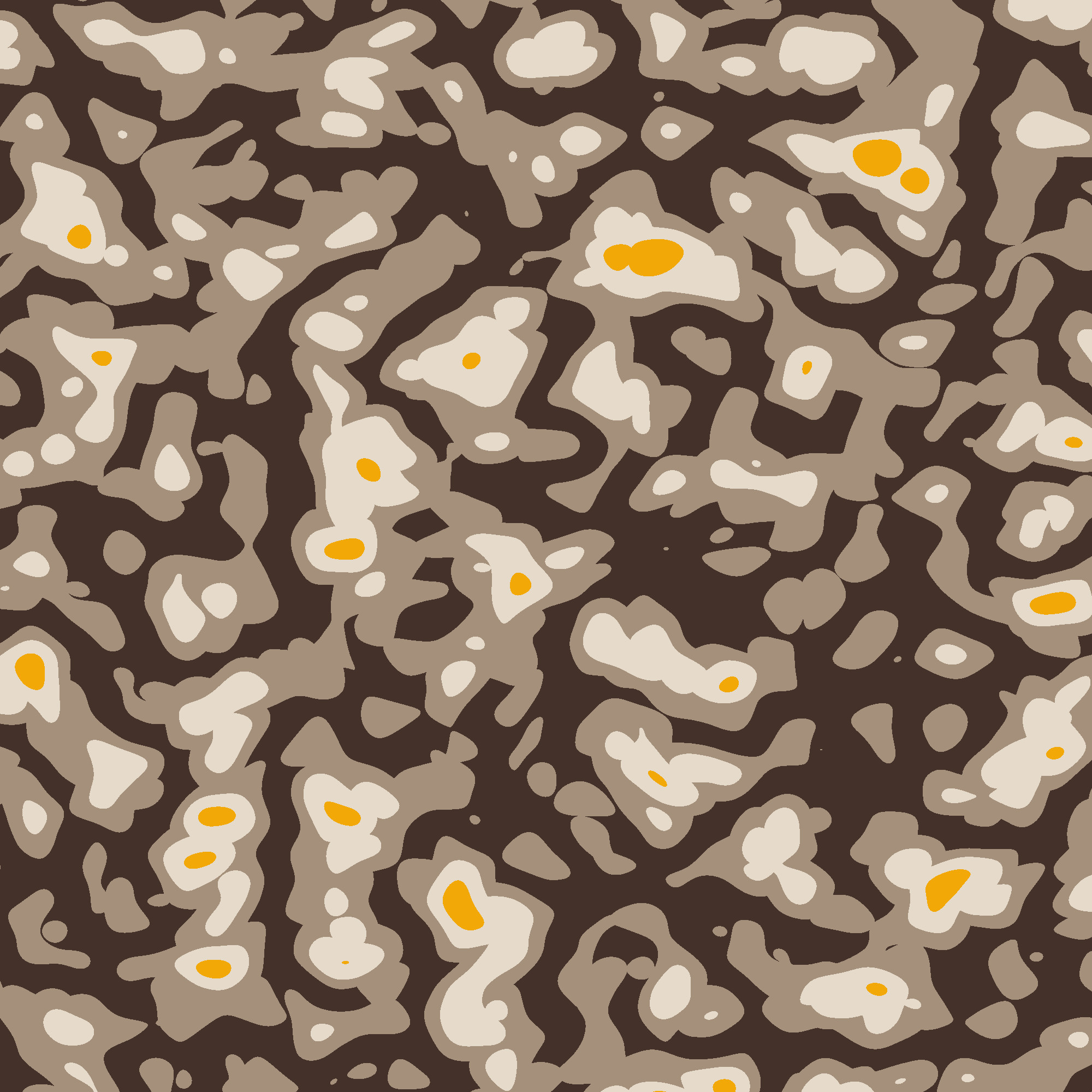
Apply a Palette map using a five color palette , Colors -> Map -> Palette Map
Step 4: Enhance the image using Noise reduction filter
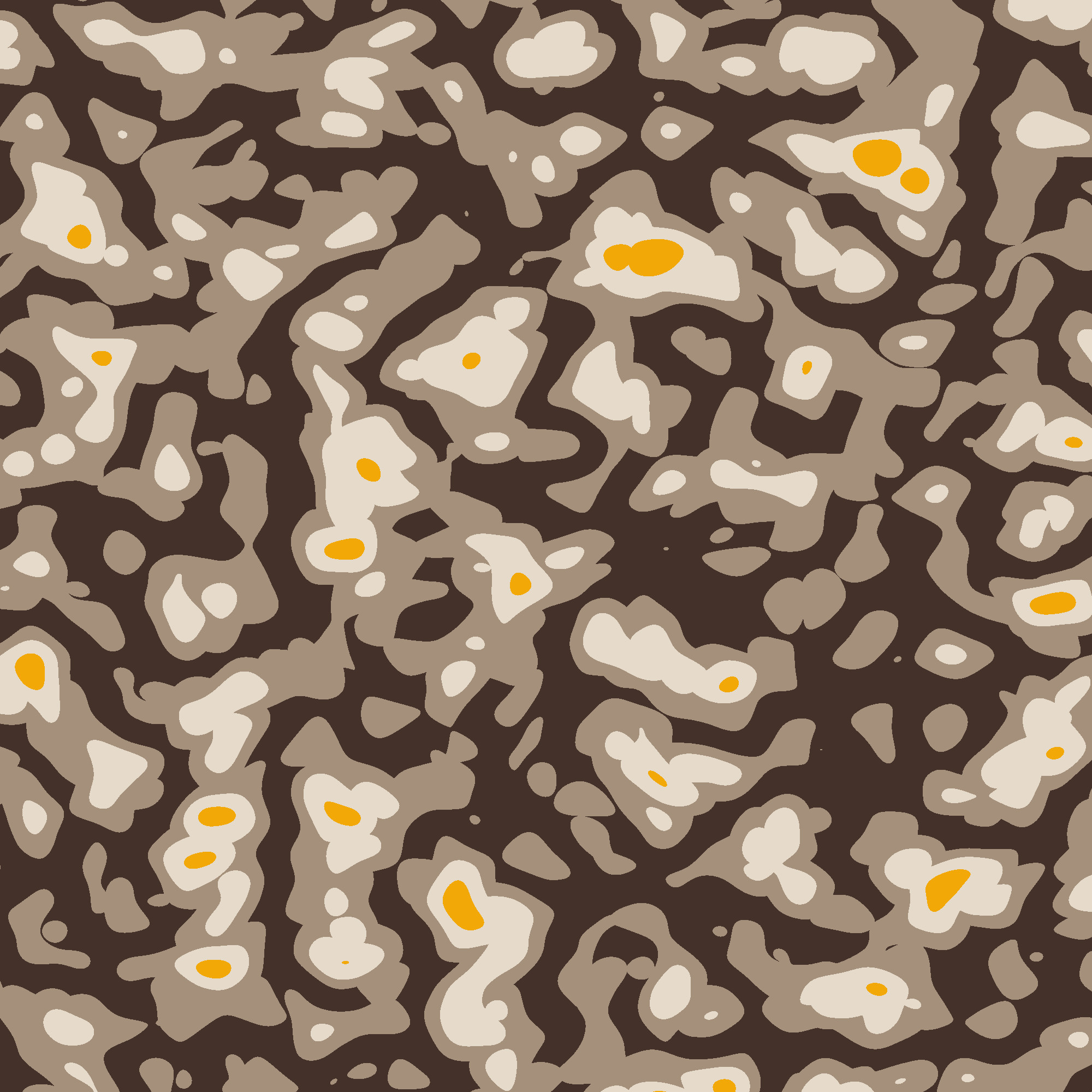
Finally enhance the image , Filters -> Enhance -> Noise Reduction
Final thoughts
Experiment with different color palettes. You can also do an invert image before applying the palette map for different color variations within the same palette also.